How to Easily Obtain Your Latitude and Longitude Coordinates
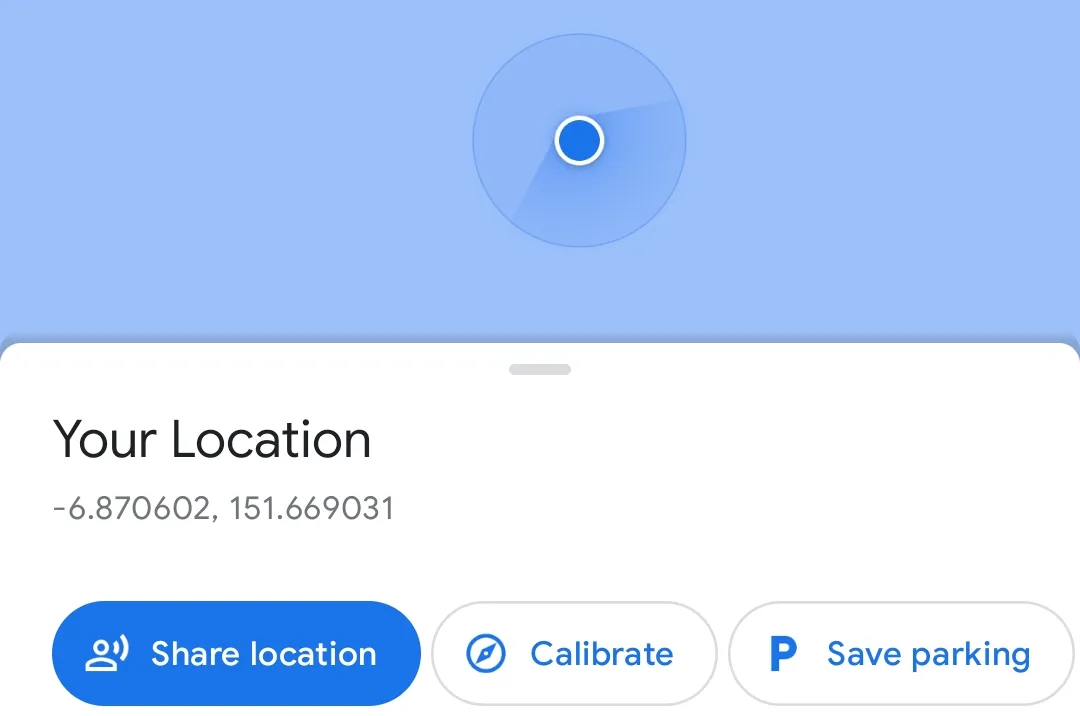
Getting your latitude and longitude coordinates has never been easier, thanks to Google Maps. Here’s how you can obtain your coordinates using your smartphone:

- Open the Google Maps app and ensure that it has access to your location. You’ll know it’s working if you see a blue circle on the map indicating your approximate location. The smaller the light blue circle around the blue circle, the more precise your location is.
- If you see a gray circle instead of a blue one, it means that the app hasn’t located you yet. Wait a few moments or move to a location with a clear view of the sky until the blue circle appears.
- Turn off your WiFi and Mobile Data (4G/5G) to ensure that Google Maps displays your coordinates and not just the name of the place you’re in. Don’t use airplane mode, as it will disable your GPS signal.
- Once you’ve turned off WiFi and Mobile Data, click on the blue circle in the Google Maps app. Your latitude and longitude coordinates will be displayed.
That’s it! I hope this guide helps you obtain your coordinates quickly and easily.